About
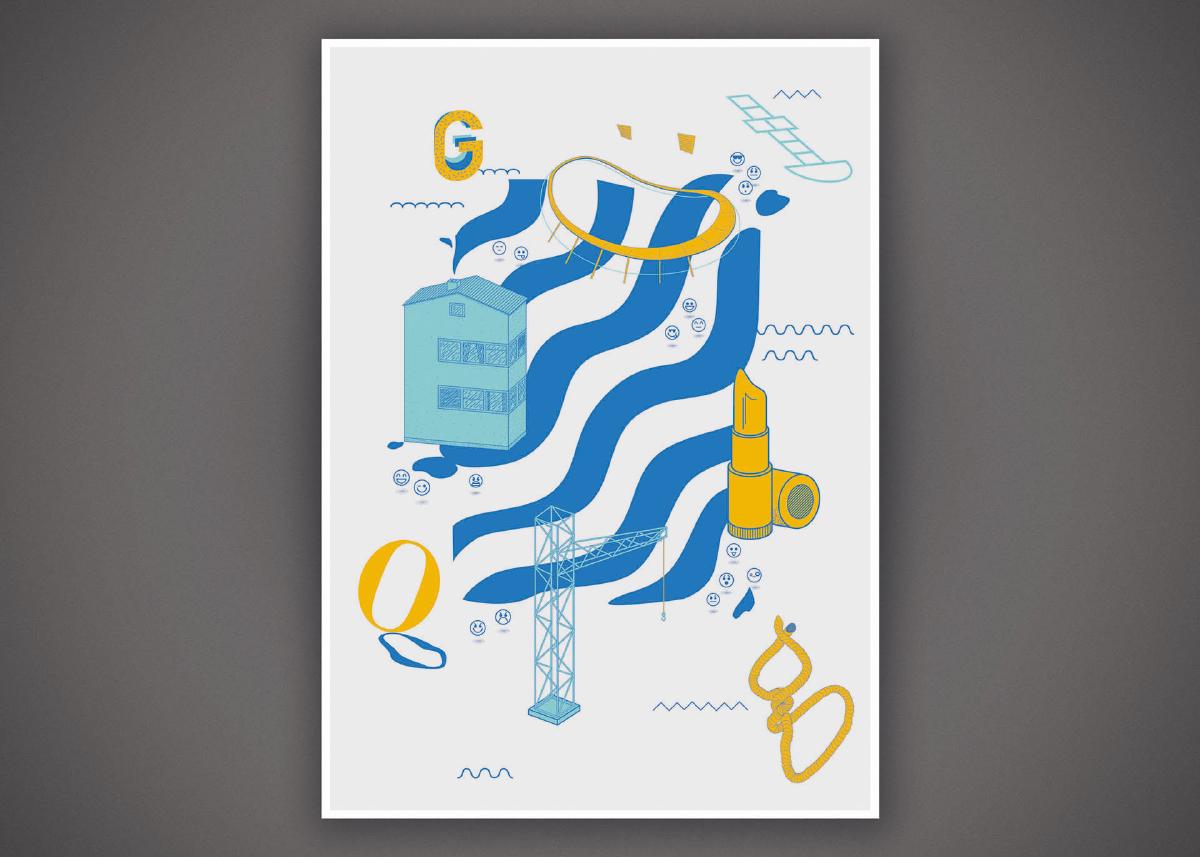
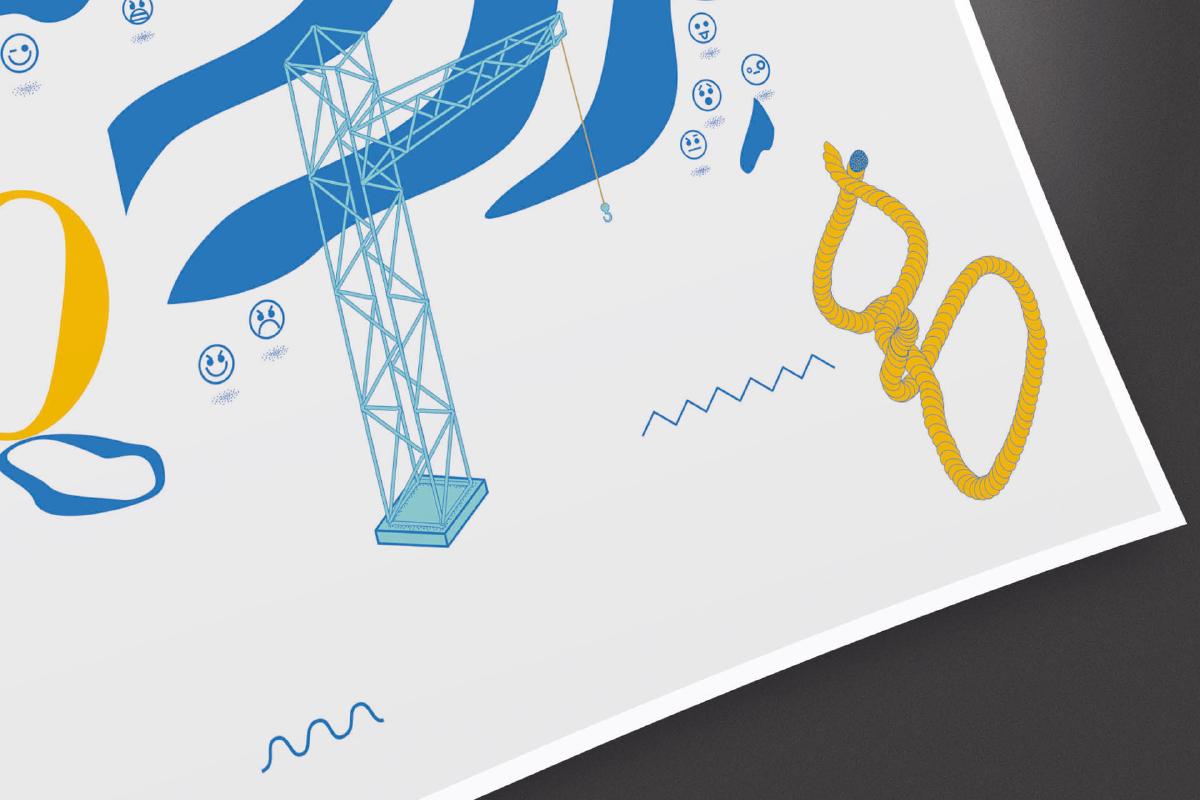
A self-initiated poster project depicting the landmarks and symbols of Gothenburg. Combining illustration with graphic design to celebrate the character of the city through its architecture, waterways and cultural references.
type exit or press esc to leave the terminal
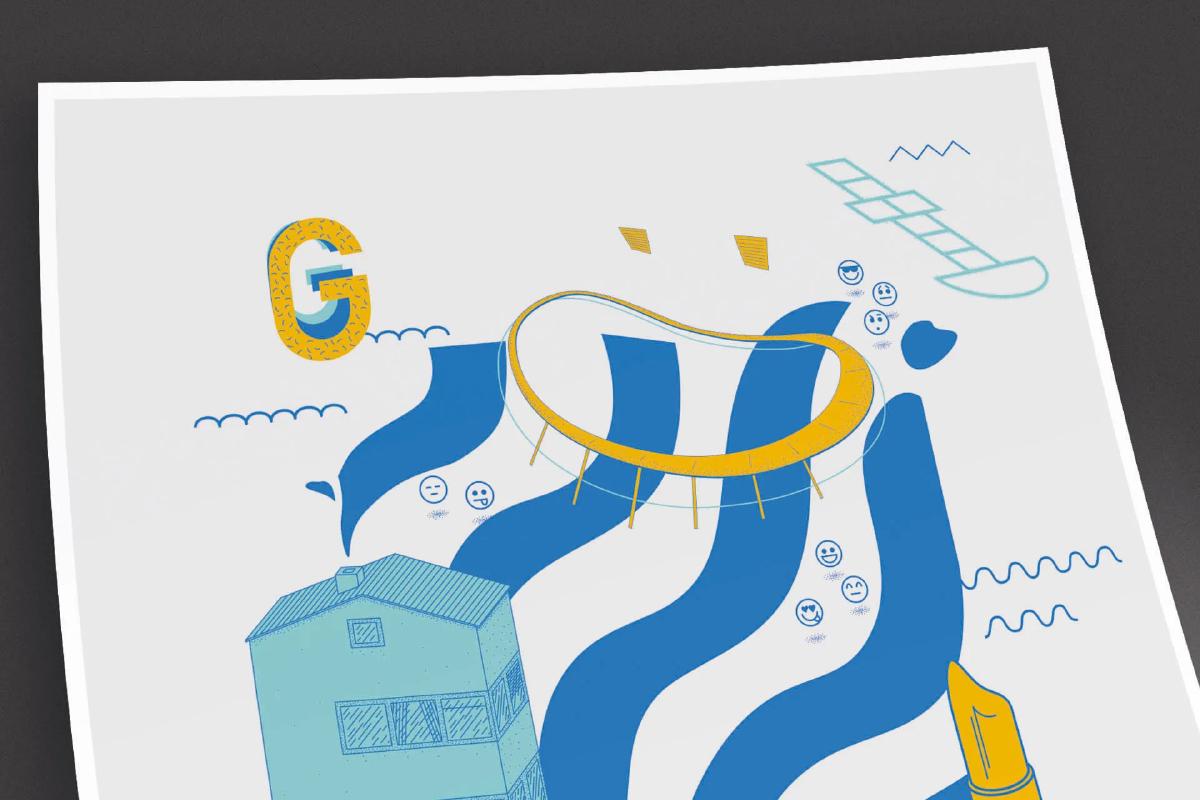
A self-initiated poster project depicting the landmarks and symbols of Gothenburg. Combining illustration with graphic design to celebrate the character of the city through its architecture, waterways and cultural references.
Graphic Designer
Self initiated project
A poster with some of the landmarks and symbols representing the city of Gothenburg.